Architecture firms
For quick client presentations and design variants.
 VIZ
by miraculix.ai
VIZ
by miraculix.ai
AI exterior visualization for architects
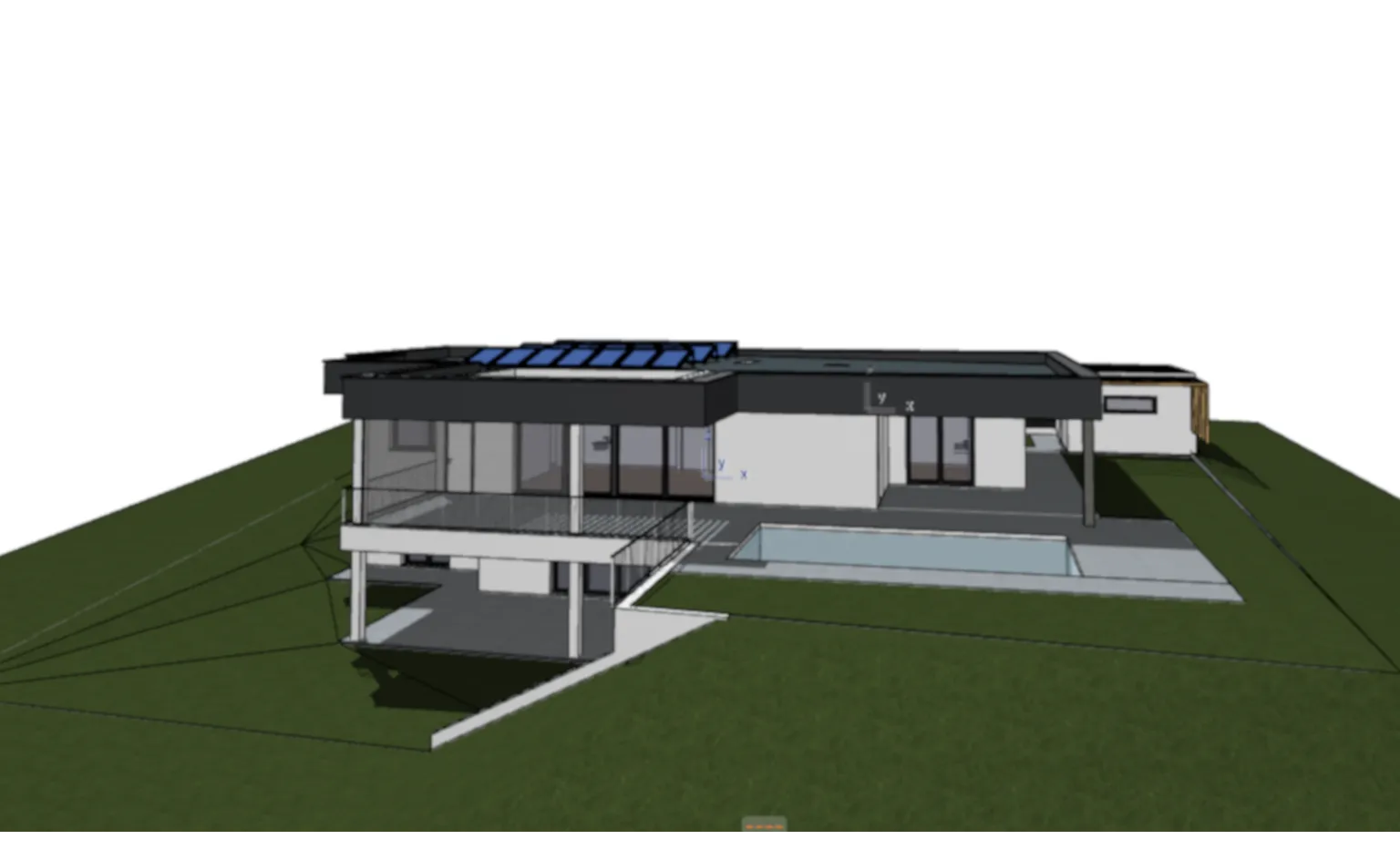
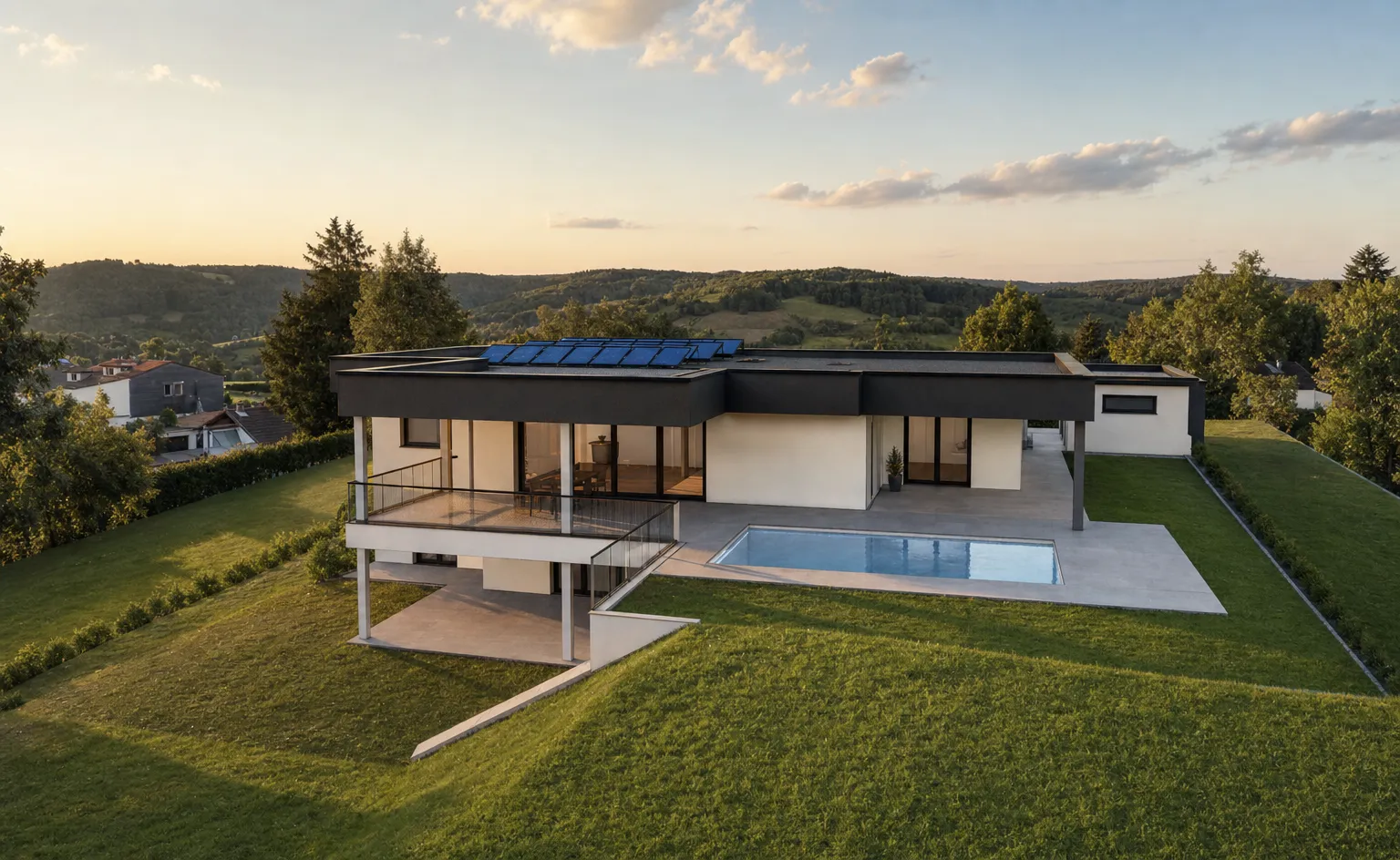
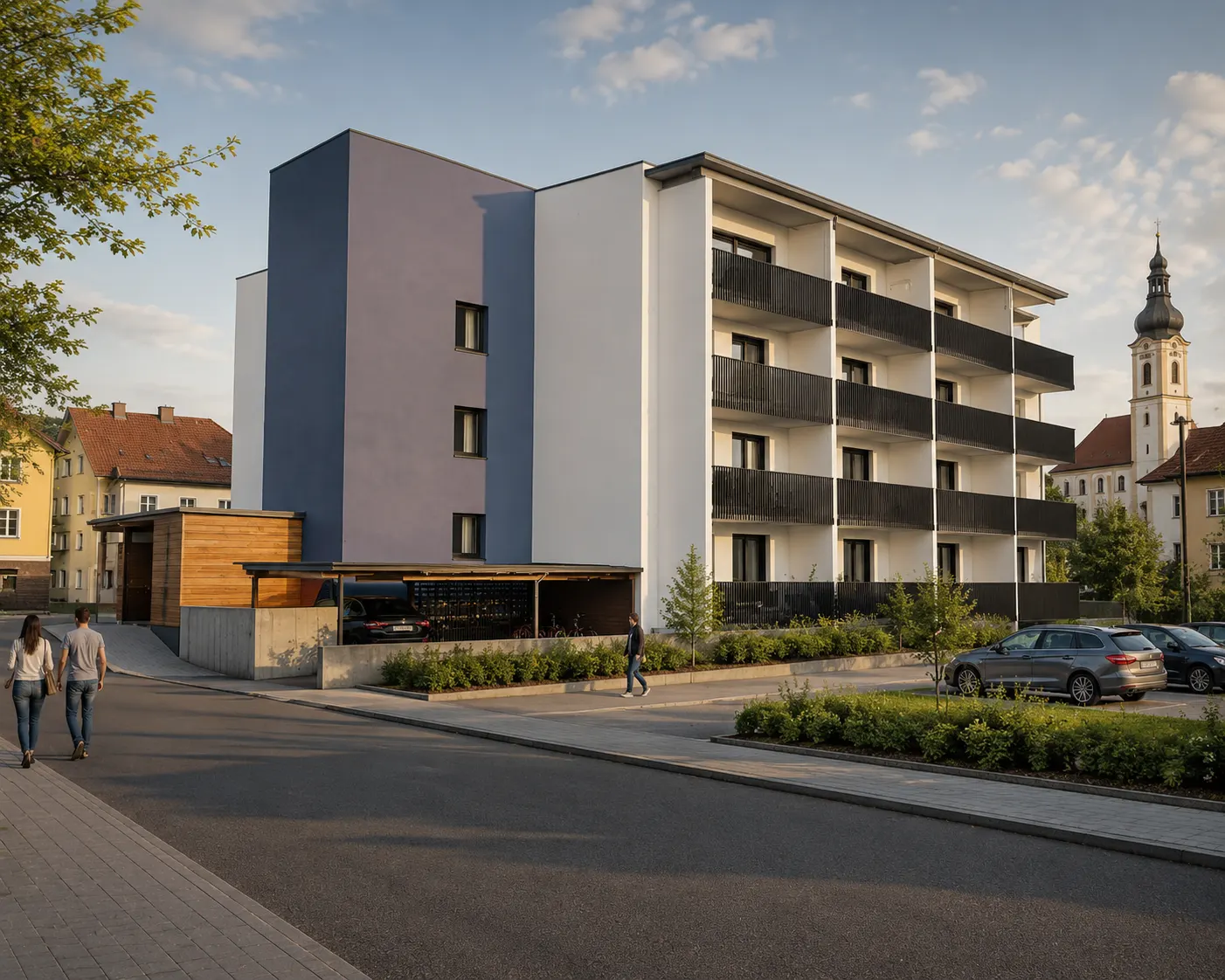
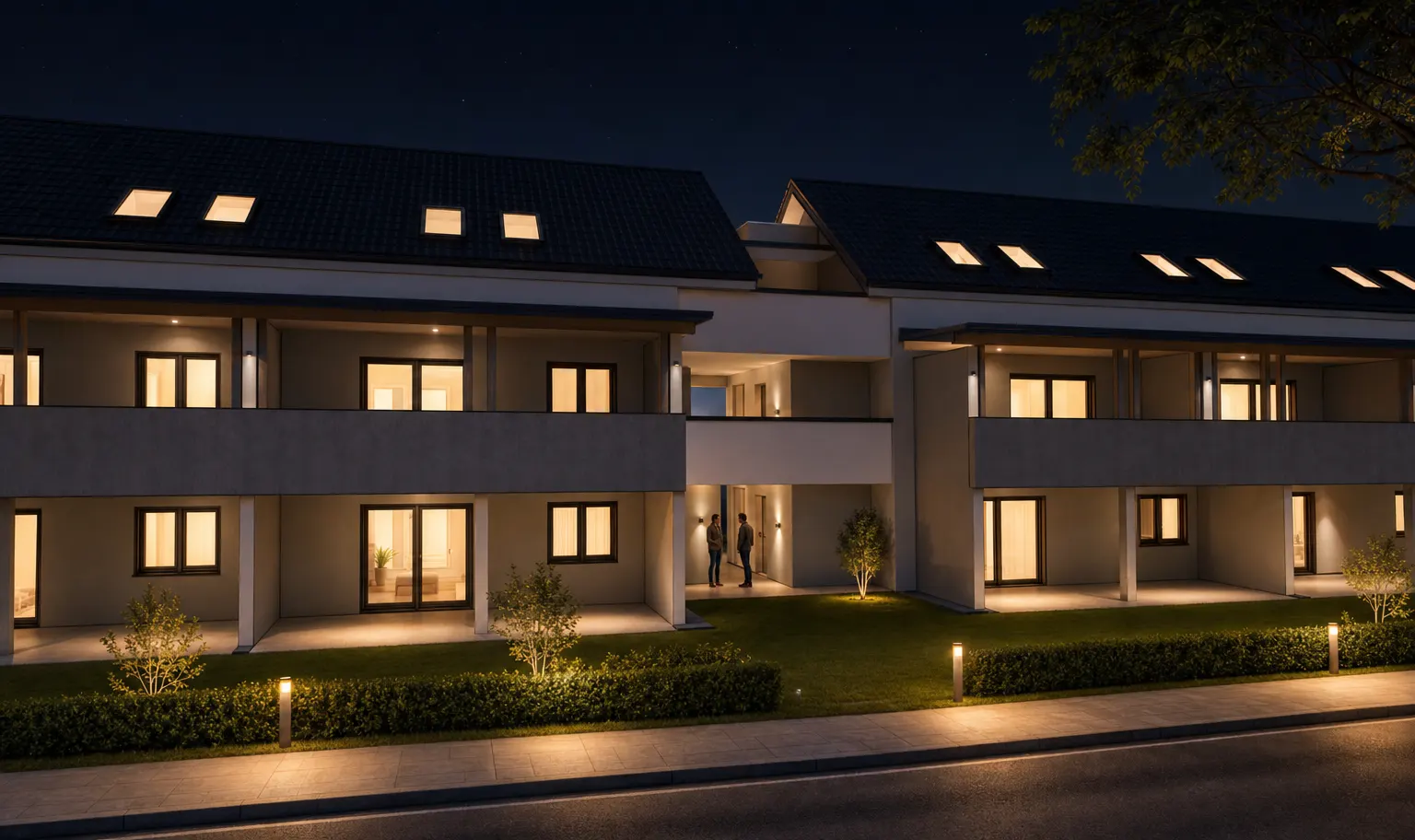
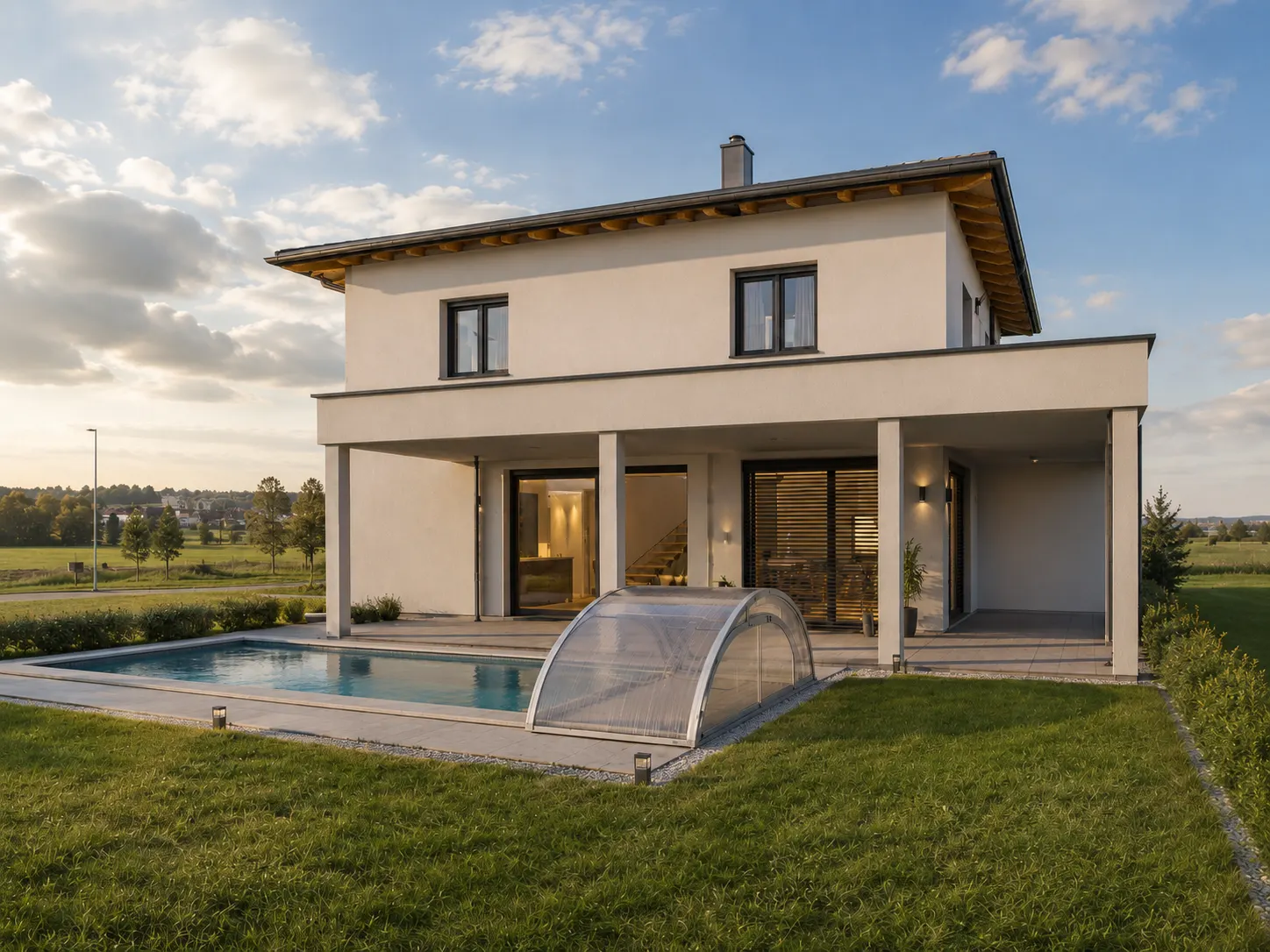
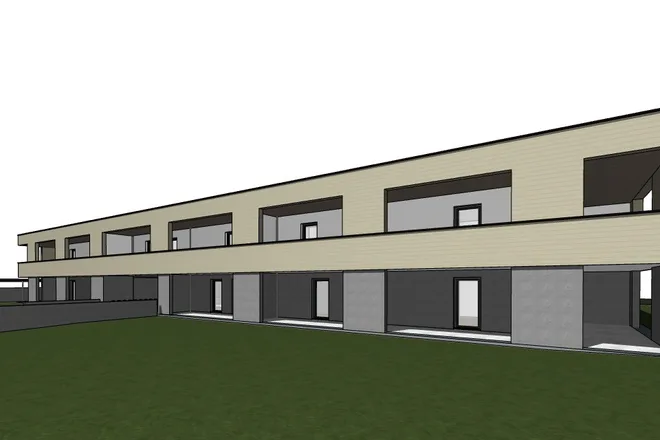
A screenshot from ArchiCAD, Revit, Vectorworks & co. becomes a photorealistic presentation image in under 5 minutes. No rendering setup, no prompting, no CAD file.
Why VIZ
When the client arrives in an hour, you don't need a rendering studio. You need an image that convinces — right now.
The path to the image
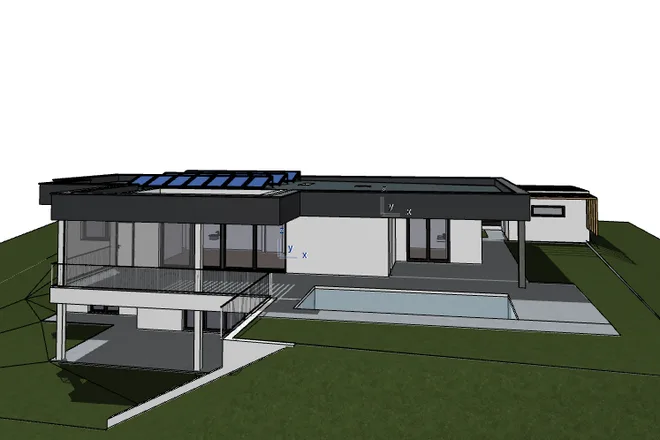
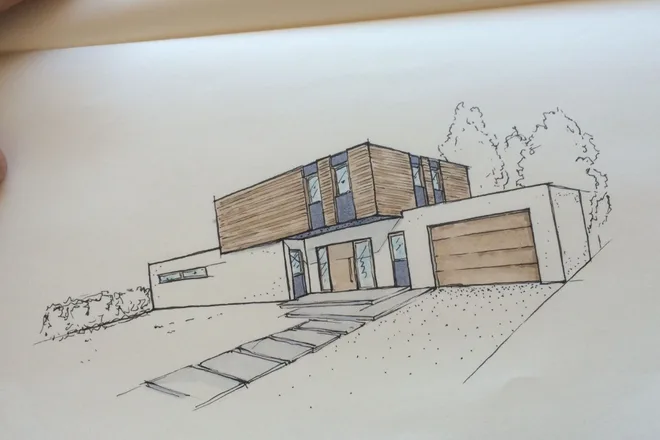
A screenshot of your 3D model is enough — from ArchiCAD, Revit, SketchUp, Vectorworks or any other program. Even a hand sketch works. No CAD file, no export marathon.
Surroundings, visualization style, light, vegetation, material mood — you click instead of describing. VIZ assembles the perfect prompt from that server-side.
In under 5 minutes your photorealistic image is ready — aligned with the reference, so perfect for before/after. Optional: your firm style as a second pass.
Your styles
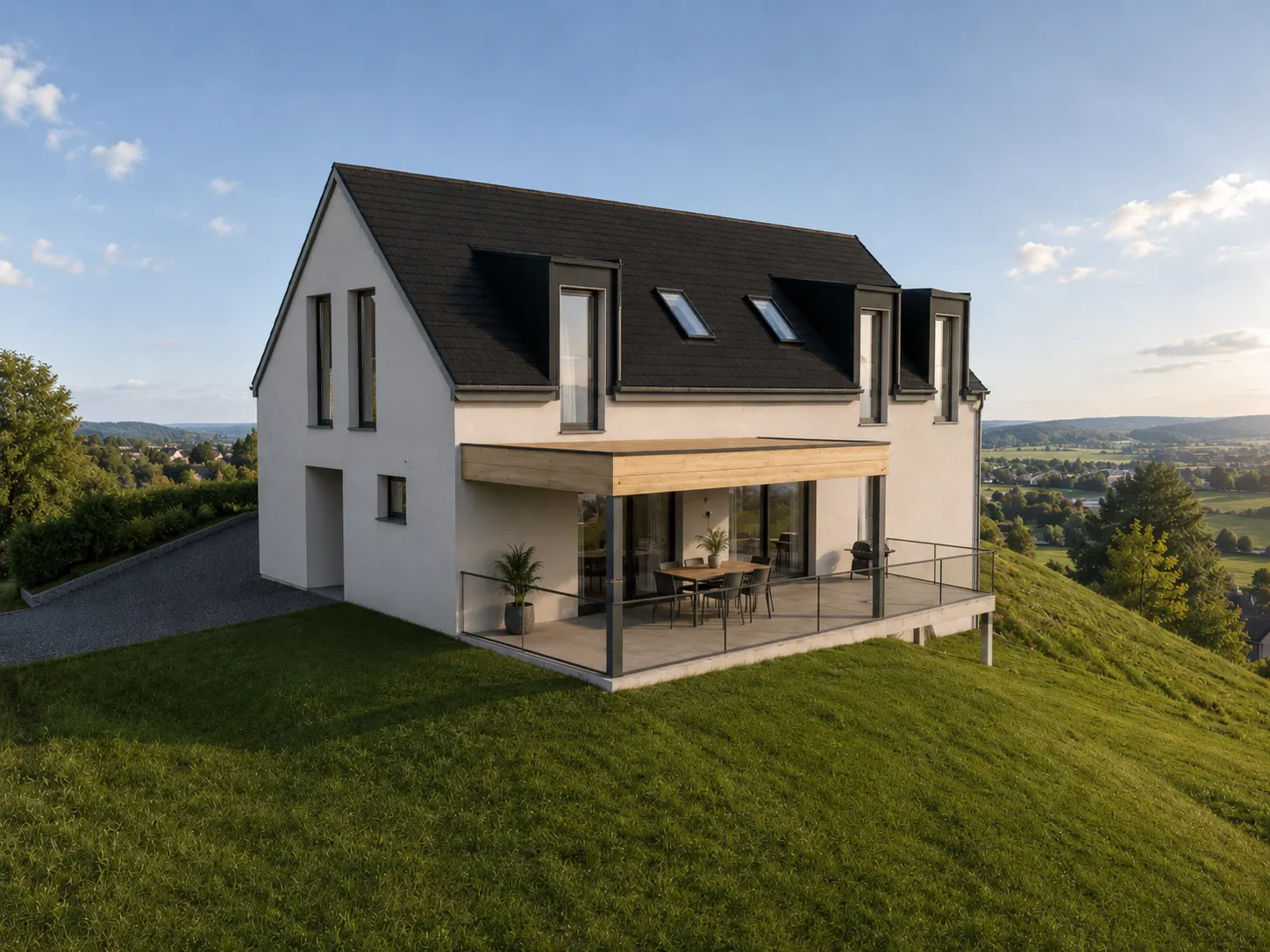
A selection of your styles. When generating, you pick one of them in the second step — each application uses one visualization from your plan.
Who it's for
VIZ fits into the daily work of firms that need convincing images fast.
For quick client presentations and design variants.
For sales materials, brochures and project communication.
Complementing the exterior focus: atmospheric interior visualizations.
For quick variants and strong first impressions.
For firm management
A single external rendering quickly costs several hundred euros and takes days. VIZ delivers presentation-ready images in minutes – at a fraction of the cost.
Convincing images in the first meeting and in competitions – the presentation often decides before the design does.
No rendering drudgery, no external studio, no waiting. Your team stays in design instead of image production.
The stored firm style keeps the look consistent across all projects and staff – set up once, reusable again and again.
What VIZ does — and what it doesn't
It improves the depiction, light, surroundings and materiality of your existing 3D view – but you have to review the result professionally. Massing and perspective are preserved where possible, but not guaranteed.
Pricing
Every result image generated counts as one visualization — a new rendering just like applying your own firm style. No hidden costs.
All prices excl. VAT, cancelable monthly. In Starter you choose the surroundings; from Pro all generator options are unlocked. To try it out: trial access with 3 visualizations free — you start the first visualization right after signing up, and for the other two you briefly confirm your email address.
Premium
Same visual language, same atmosphere — set up once, reusable for every new project. Usage then consumes ordinary visualizations, no surcharge per image. Once your firm style is active in your account, it appears as a selectable second step when generating — without your own firm style, generation runs entirely without a style selection.
For firms that want to use their recognizable depiction style in VIZ.
For firms with several depiction styles — e.g. photorealistic, editorial, sketch-like or competition-oriented.
For larger firms, competition practices or companies with a clear visual brand strategy.
VIZ facts
FAQ
A 3D screenshot or a 3D view of your building model is enough – whether from ArchiCAD, Revit, Vectorworks, Allplan, SketchUp or Rhino. A screen photo is enough, you don't need to export anything.
No. An image or screenshot is entirely sufficient.
VIZ aims to respect the existing architecture as much as possible. The goal is not a new design, but a better visualization.
Yes. VIZ focuses on exterior visualizations; in addition, interiors can also be visualized – upload an interior image, choose a furnishing style, and VIZ furnishes and lights the room without changing the room geometry.
Your uploads are processed confidentially and not reused for training purposes. On paid plans we do not store your images permanently after generation. In the free trial we keep the upload and result briefly for quality control and delete them automatically after 30 days at the latest – earlier on request at any time.
You do. You can use the visualizations created with VIZ commercially without restriction – for client presentations, brochures, competitions, website and print. VIZ claims no rights to your results.
Yes. Your uploads are treated confidentially and not used for AI training; on the paid plans we do not store the results permanently after generation. This keeps the confidentiality of your competition entries intact. Also check the anonymity and copyright rules of the respective competition brief.
Account and website data are processed by an EU host (Hetzner, Germany) in data centers within the EU. For the actual image generation, your uploads are transmitted to our AI provider OpenAI (USA) – safeguarded by data processing agreements and the EU standard contractual clauses. Processing solely to create your image, no use for training. All details in the privacy policy.
3 visualizations free · uploads are not used for training
VIZ account
Sign in with your VIZ account.
or
No account yet? Register now
After registering you can start your first visualization right away. For the other two free visualizations you briefly confirm your email address via the link we send you.
VIZ account
Choose a new password for your VIZ account. Colleagues who are logged in stay logged in.
Inquiry
Leave your email — we'll get back to you personally and set everything up.
Generator
Massing, roof shape, openings and perspective are preserved — light, materiality, surroundings and atmosphere are improved.
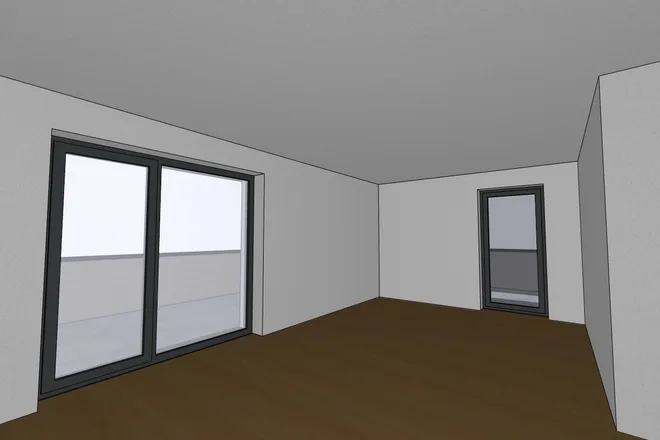
An empty room is enough. Room geometry, perspective and openings are preserved — furniture, materials and lighting come from the style you choose.
Drag a rectangle over the desired area with your mouse.
Paint over the area that may be changed – everything else is guaranteed to be preserved.